The way how WordPress organizes media files by default is eh. Generally speaking, they fall under this format /wp-content/uploads/2026/01/miami-scaled.jpg
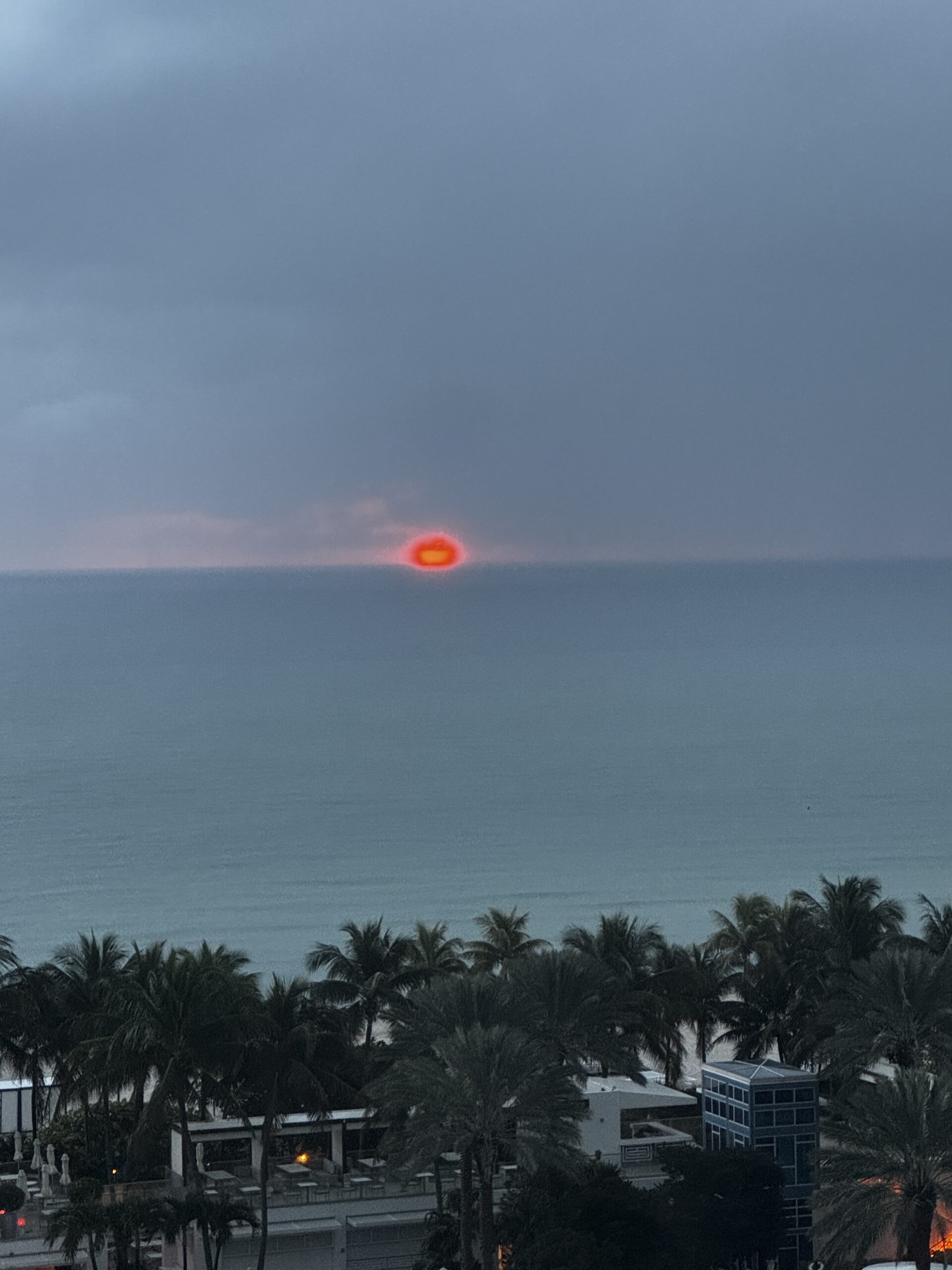
Sure it is organized well enough, but the path looks a bit ugly and automatically states the fact that the website is hosted on WordPress. Which is fine, but what if you don’t want people to know when you uploaded a file, or want a super long file path, then it makes you wonder.
To combat this issue, I’ve started doing something for my own internal systems (NOT ZachsThoughts. That’s an accident waiting to happen.) I’ve started adding media files directly through the server. Not all, just the ones that I want to be a bit more hidden.
I took the file naming system from a modding framework and adjusted it to fit my web needs, but the concept is still the same.
First, all direct media files and their holding folders are contained in the root blobs. So blog.zacharyaustrager.com/blobs/. Blobs is shorthand for “binary large object” and means data that isn’t just numbers or text, but rather data stored in a single entry on the database.
The file will then be placed into a “child” category such as “images” or “multimedia”. Whatever the file type is, there will be a home for it.
An example of a file added to this wondrous system is my profile picture, which is located at /blobs/images/profile.jpg

Simple, efficient, and allows you to know exactly what the file is about.
A win-win in my book!
-z.a.a.